How to List Events with Multiple Dates and Tours on Event Fill
Learn how to list an event, add multiple dates and build a tour on Event Fill, so organisers can reach more people without creating confusing duplicate listings.
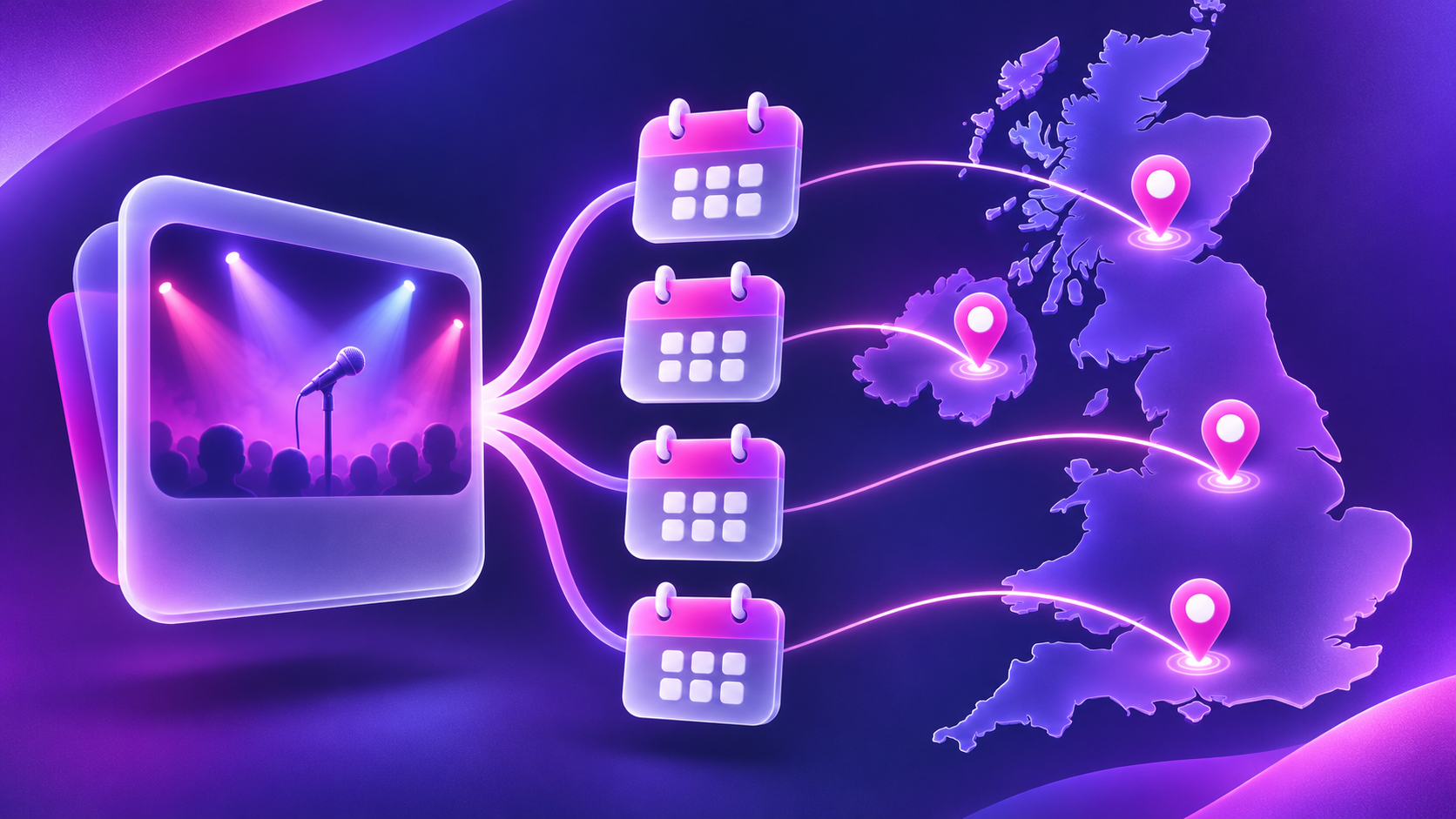
Planning an event is exciting. Managing the same event across several dates and locations is where things can become complicated. Event Fill gives organisers one clear place to list an event, add multiple dates and create a tour, so audiences can find the right experience without scrolling through duplicate listings.
Whether you are promoting a workshop with several sessions, a festival weekend, a comedy run, a food tour or a multi-city live experience, the Event Fill workflow keeps the important information together while making each date and venue easy to discover.
List your event once and make every detail count
A strong event listing starts with the essentials: a clear title, an engaging description, a category, an image, an organiser profile and a useful venue. Event Fill is designed to help you build those details into one polished public page instead of spreading the information across separate posts and social updates.
That matters for search and for people. A focused listing gives Google a clearer page to understand, while visitors can quickly see what the event is, who it is for, where it takes place and how to book. It also gives you a dependable link to share in newsletters, social posts, partner websites and messages.
Ready to start? Create your free organiser account and give your next event a proper home.
Add multiple dates without creating duplicate listings
Many events are not truly one-off experiences. You may run the same class every Saturday, offer an evening programme across a week, or open bookings for several performances. Creating a separate listing for every session can make your organiser workspace harder to manage and can leave visitors unsure which page is the official one.
With Event Fill's recurring schedule, you can keep the experience together while adding the individual dates and times people need. Each occurrence can be clearly presented, making it easier for a visitor to choose a date while your public presence stays consistent.
- Keep one recognisable event identity.
- Show the dates and times people can actually attend.
- Reduce duplicated descriptions and outdated details.
- Give search engines a stronger, more useful event page to discover.
This is especially useful for classes, guided walks, screenings, markets, tastings, talks and seasonal programmes where the format stays familiar but availability changes.
Create a tour with multiple dates, venues and cities
A tour needs more than a repeated date. It needs an itinerary. Event Fill lets you build a grouped tour with multiple stops, each with its own date, time and location. Visitors can see the overall journey first, then open the individual stop that works best for them.
That structure is ideal for touring performers, travelling workshops, food and drink experiences, regional festivals, pop-up retail, professional events and any organiser moving between venues. Instead of publishing a confusing collection of near-identical pages, you can present one clear story with an itinerary people can follow.
The tour view is built to make location useful. Each stop can include the venue, city and address, and the tour map brings the stops together so visitors can understand the route at a glance. Individual occurrence pages remain available for sharing, booking and precise directions.
How to add an event, multiple dates or a tour
- Create your organiser account. Set up your organiser profile so visitors know who is behind the experience.
- Start a new event. Add a clear title, category, description, image and booking information.
- Choose the schedule type. Use a one-off date for a single event, recurring dates for repeated sessions, or tour mode for multiple stops.
- Add every occurrence carefully. Check each date, start time, venue and location before publishing.
- Review the public page. Make sure the most important information is easy to scan on mobile as well as desktop.
- Publish and share. Use the public link in your marketing so every visitor reaches the current version.
If you already know your first event details, you can add an event in the organiser dashboard. Event Fill also provides free SEO optimisation for organiser listings, helping your title, description, canonical URL and best-practice signals work harder for discoverability.
Built for discovery as well as administration
Event Fill is not just a form for storing event details. It is a discovery platform designed to help the right people find the right experience. Dates, categories, locations and availability all contribute to how visitors browse. A well-structured recurring event or tour can appear as a more useful result than a row of disconnected duplicate listings.
Visitors can explore live events by category and location, compare upcoming dates and open the exact occurrence that suits them. Organisers get a cleaner workflow, a stronger public presentation and a central link they can keep using as the schedule grows.
Why organisers choose Event Fill
- One clear public presence: Keep your event story, organiser identity and booking details together.
- Flexible scheduling: Support one-off events, repeated dates and multi-stop tours.
- Better location clarity: Give every stop its own venue and map-ready location.
- Search-ready structure: Use useful titles, descriptions, canonical URLs and structured event information.
- Free SEO support: Event Fill helps optimise organiser listings so you can focus on delivering the experience.
- A better visitor journey: Make it simple for people to discover, compare and choose a date.
Ready to fill every date and every stop?
Your audience should not have to hunt through scattered posts to find your next event. List the experience once, add the dates that matter and build a tour when your event travels. Create your organiser account on Event Fill and start publishing an event page designed for discovery.
When you are ready to see what is already live, explore upcoming events on Event Fill.